
What's New in HCL Domino 12.0.2 Danube Update

November 17th marked an important milestone in the development of HCL Domino , with the launch of HCL Domino Danube . Let’s dive into what is new with this installment.
HCL has established for some time now that it aims to become a resilient platform for any business at the intersection of security, mail and apps built to last for a lifetime on any platform not just on PCs.
HCL has been working on improving Domino ever since version 9. Here is an overview by number of features:
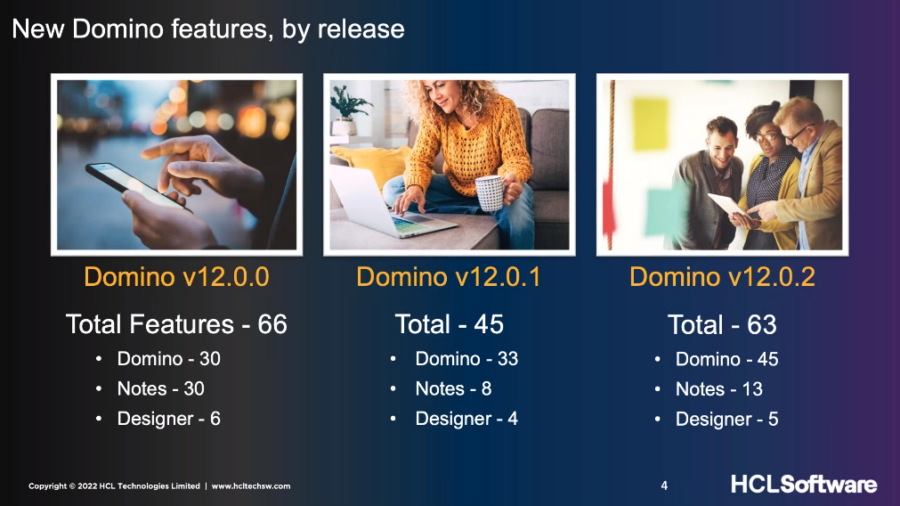
What is coming in HCL Domino Danube
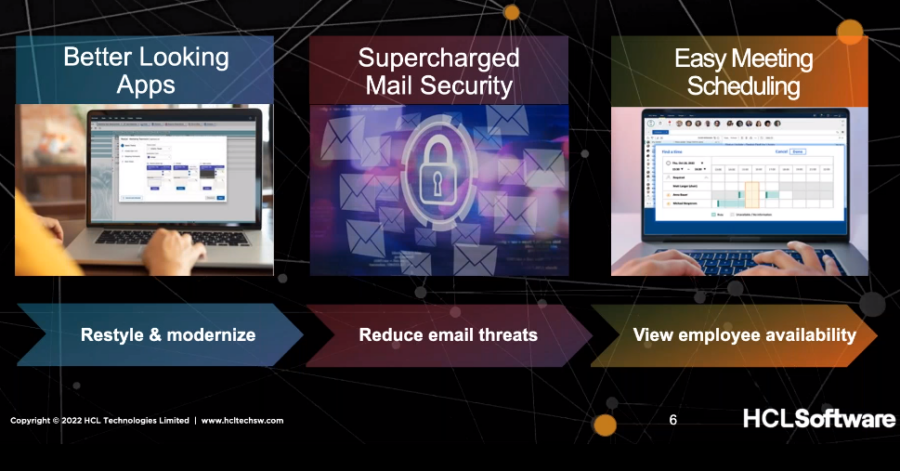
Better looking Apps
-
Restyle existing apps – update UI and modernize the look and feel.
-
Apply themes or update colors – in a single Domino app or many at once.
-
Restyle apps in just minutes.
Supercharged Mail Security
-
Reduce email threats – with anti-virus protection via ICAP support
-
Confirm inbound emails not altered in transit – DKIM
-
Sender Policy Framework – prevent email spoofing used in phishing and spam.
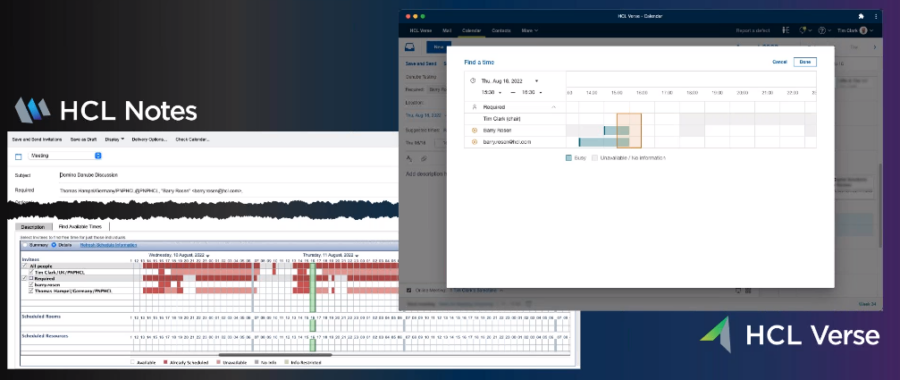
Easy Meeting Scheduling
-
Save time – view when co-workers on Domino, Exchange and O365 are free to meet.
-
Co-existence – facilitate customer email transition to Domino or aid mergers and acquisitions.
The core of HCL Domino remains the app component. It powers the apps that run your business. One major strength that Domino has is its security.
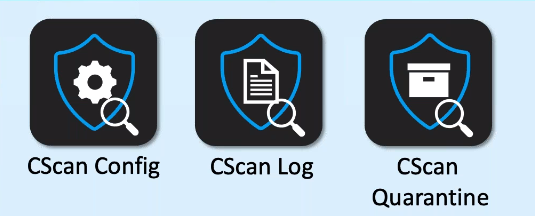
The email security was made even better with HCL Domino Danube with Antivirus scanning using ICAP protocol.
Expand Your Authentication Options

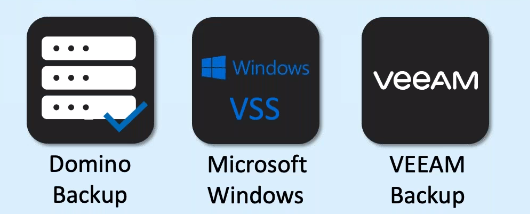
Backup with Windows VSS
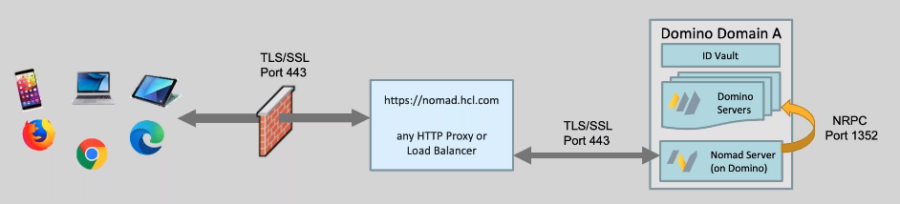
Nomad Server Task
The Nomad Server Task now runs on Domino:
-
No need to deploy SafeLinx
-
Does not require relational DB
-
Can work with SafeLinx if already in the environment
HCL Notes
You could not have a major release on HCL Domino without some important new features to the HCL Notes client.
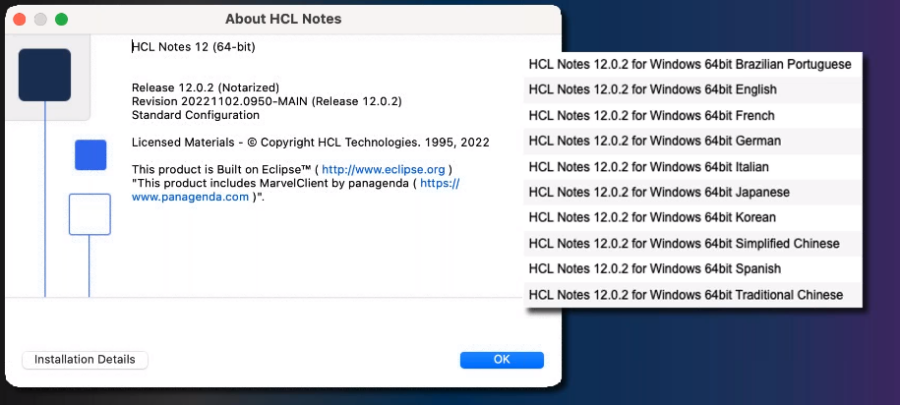
One new thing of which HCL is proud is the 64bit for Group 1 languages:
As far as meeting scheduling goes, the goal was to make it as easy as possible across systems.
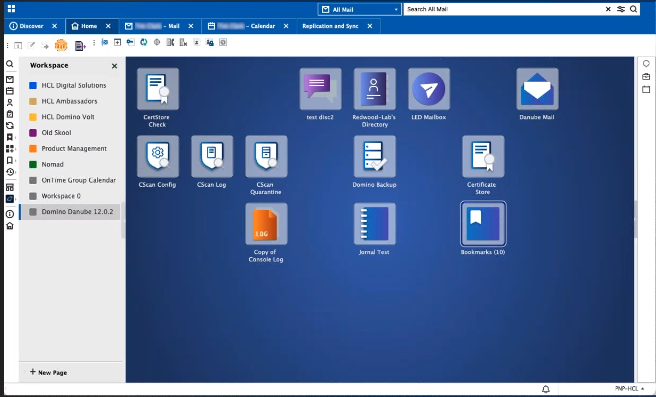
The Workspace algo got a makeover making it easier to customize in terms of hackgroud or dark mode.
The changes brought by HCL Domino Danube are not just for looks but also in performance as well with significant performance improvements across the Notes client Startup to opening mail, on all platforms.

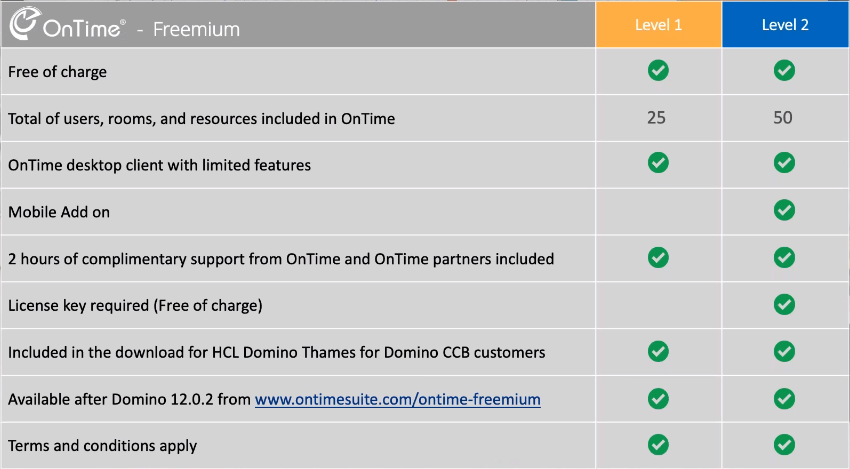
OnTime Group Calendar – Freemium
The Problem:
-
Notes and Domino group calendar functionality is very limited today.
-
Customers want better group calendar provision with a modern interface.
-
No Group Calendar functionality in Verse.
Solution:
-
Bring a new group calendar solution to all Domino CCB customers.
-
Industry leading UI & group calendar functionality.
-
Produced and supported by a respected Business Partner.
-
HCL and IntraVision partnership.
OnTime Group Calendar comes with 2 Freemium versions available now and it will be included with HCL Domino Thames.
HCL Verse
We are pretty sure that you did not think the Verse was forgotten. This new installment comes with some new improvements as well:
New Contacts UI

OnTime Group Calendar will also be available with HCL Verse as well.
HCL Domino Designer
First and foremost you get better looking apps with Restyle:
-
Low Risk: Running Restyle does not affect the logic or content of your app
-
Multiple Options: No Domino Designer skills required and provides 63 different design variations.
-
Fast: From days to minutes to restyle an app.
Domino REST APIs
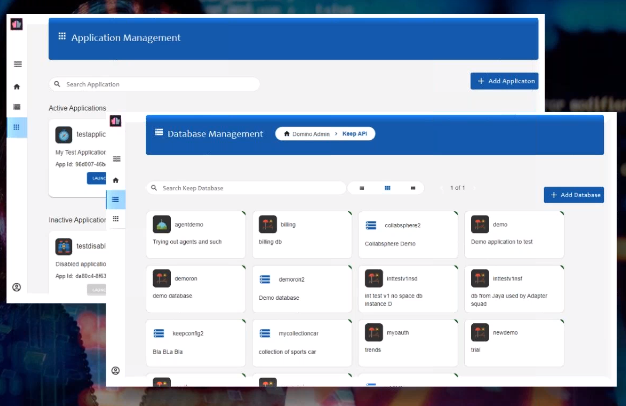
Expose Domino data through standardized Open-API-based methods securely and easily. These APIs will be available starting November 30th, going from around 9 to 100 REST APIs.
Available to Domino CCB and CEO customers at no cost. Add contemporary REST APIs to Domino, enabling an expanded programming experience with the tools of your choice.
Broaden your Domino audience. Make Domino development accessible to a broad audience, without sacrificing Domino’s ease of deployment or security.
Securely expose Domino servers for pro-code development. Allow developers to expose Domino data in the form of standardized Open-API-based methods while maintaining control of which data will be made available for view of update.
The Domino REST APIs will be available on Flexnet in a prepacked, ready-to-use Docker container.
In order to help admins out HCL has worked on a great Domino 12.0.2 update guide .
If you need any help with your HCL Domino journey, drop us a line and we are more than happy to help you.
Filed under hcl domino